Best web building sites for small business — Guide

I help business owners choose web building sites that balance integrations, AI, security, and cost for long-term maintainability.
I often get asked which are the best web building sites for small business, and my answer always starts with a question: what do you need the site to do beyond looking good?
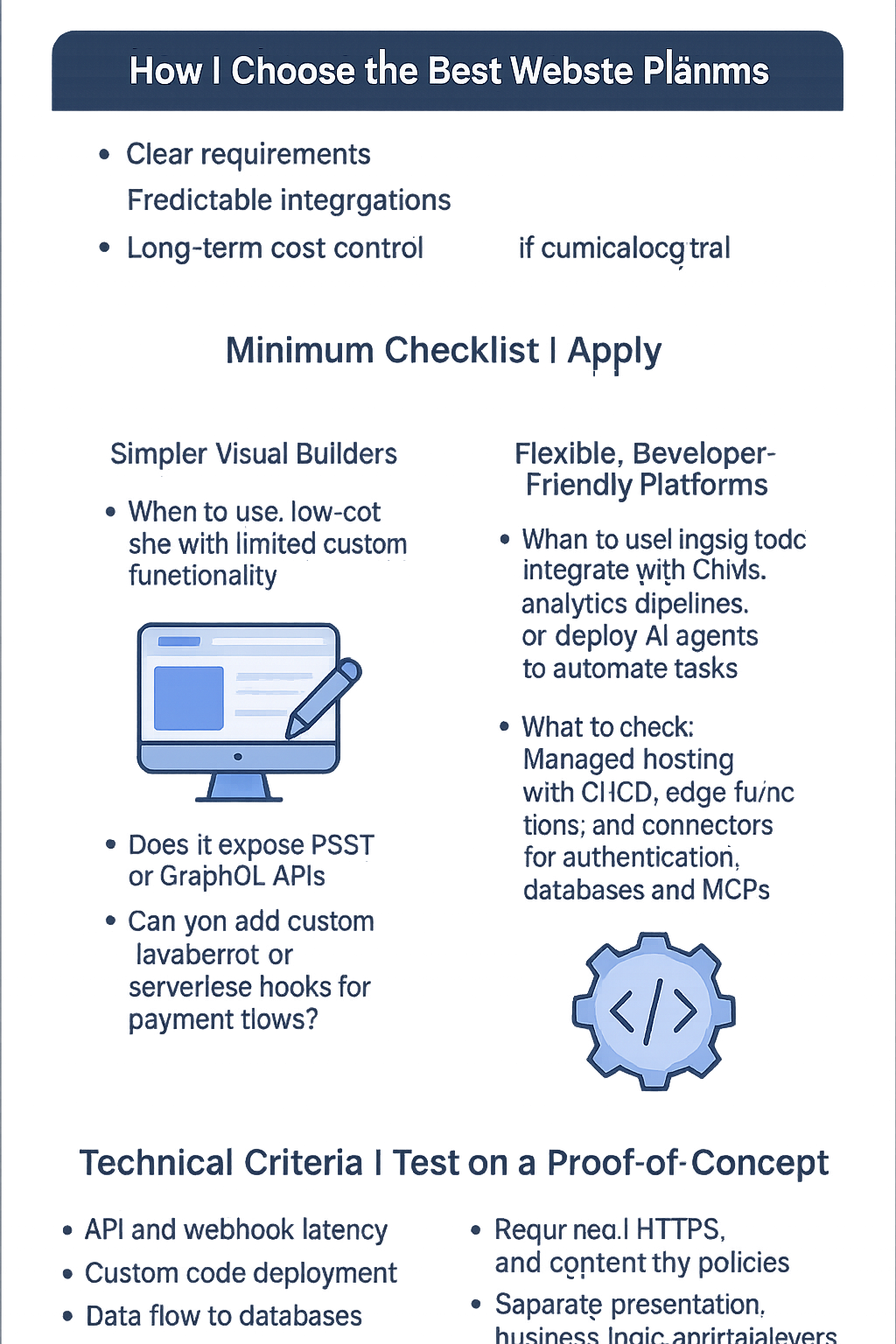
How I choose the best web building sites for small business
I evaluate platforms the way I architect software: through clear requirements, predictable integrations, and long-term cost control. A beautiful template is irrelevant if you can’t connect to a CRM, run an AI agent for customer support, or protect customer data in your database.
Minimum checklist I apply
- API support and webhook capabilities for integrations.
- Ability to add custom code or serverless functions for business logic and AI model calls.
- Options for managed or self-hosted databases and secure secrets management.
- Maintainable build/deploy flow and version control compatibility.
- Clear pricing for traffic, storage, and third-party connectors.
Quick comparisons: when to pick each platform
I don’t recommend a single tool to every owner. Instead, I match platform strengths to your priorities. Below I outline trade-offs that matter for integrations, scalability, and maintainability.
Simpler visual builders
- When to use: You need a fast, low-cost site and limited custom functionality.
- What to check: Does it expose REST or GraphQL APIs? Can you add custom JavaScript or serverless hooks for payment flows or analytics?
Flexible, developer-friendly platforms
- When to use: You expect to integrate with CRMs, analytics pipelines, or deploy AI agents to automate tasks.
- What to check: Managed hosting with CI/CD, edge functions, and connectors for authentication, databases, and MCPs (message and connector platforms).
Self-hosted CMS and frameworks
- When to use: You need full control over the database, security policies, and custom AI model deployments.
- What to check: Operational overhead, backups, scaling strategy, and how you’ll serve AI models or agents (local inference vs. API-based).
Technical criteria I test on a proof-of-concept
Before recommending a site, I build a small proof-of-concept that includes these tests. They reveal real-world gaps that marketing pages hide.
- API and Webhook Latency — measure how quickly the platform relays events to an external service.
- Custom Code Deployment — confirm you can run secure serverless functions or host model inference endpoints.
- Data Flow to Databases — ensure you can store user data in a managed DB or forward to your analytics pipeline without fragile workarounds.
- Authentication & Secrets — verify OAuth, token rotation, and secrets storage are supported.
- Cost Projection — estimate monthly costs for hosting, bandwidth, and connectors at expected traffic.
Integrations, AI agents, and connectors: practical notes
If you plan to add AI functionality—chat agents answering customer questions or models ranking leads—pick a platform that doesn’t force you into brittle integrations. I look for:
- First-class API access so an AI agent can call business logic or fetch user records.
- Support for background jobs or serverless endpoints to run model inference and queue work to MCPs for reliability.
- Secure connector options to link third-party SaaS without exposing credentials in client code.
When I design solutions, I prefer architectures where the website triggers lightweight requests and heavy processing (AI models, data transforms) happens in purpose-built services. That keeps the site responsive and the AI components auditable and scalable.
Security, maintainability, and cost-conscious architecture
Security isn’t optional. I insist on HTTPS, content security policies, regular dependency updates, and a defined backup and restore process for any site I recommend. Maintainability means clear separation between presentation, business logic, and data layers so later you or an engineering partner can iterate without redoing everything.
Cost-conscious choices matter for small businesses. For example, a managed platform with predictable monthly fees can be cheaper than self-hosting if you avoid unexpected surges. Therefore, I prepare a cost model for growth scenarios and prefer solutions where you can offload heavy AI work to specialized inference services on demand.
Operational tips I share with owners
- Start with a POC that covers your integrations and a small sample of traffic.
- Keep secrets out of static code and use a secrets store or environment variables in serverless functions.
- Automate backups and test restores quarterly.
- Prefer platforms with audit logs if you collect any sensitive customer data.
Conclusion: pick a platform based on capability, not hype
When I advise a business owner, I focus less on catchy templates and more on whether the site can safely integrate with your tools, scale with traffic, and host the business logic you’ll need—especially if you plan to add AI agents, custom APIs, or connectors later. The best web building sites for small business are those that let you start simple and add complexity without rewriting everything.
If you want, I can review your requirements and outline a concise POC plan that tests the integrations and cost model most relevant to you. I usually begin by mapping data flows, connector points, and where AI or model inference will sit in the stack.