When Should You Modernize a Business Application?

I help owners decide when to modernize a business application, focusing on risk, security, integrations, and practical, incremental upgrades.
Modernize A Business Application is a recommendation I make when aging systems add risk or slow essential work. I help business owners reduce friction, improve control, and turn current processes into practical digital solutions.
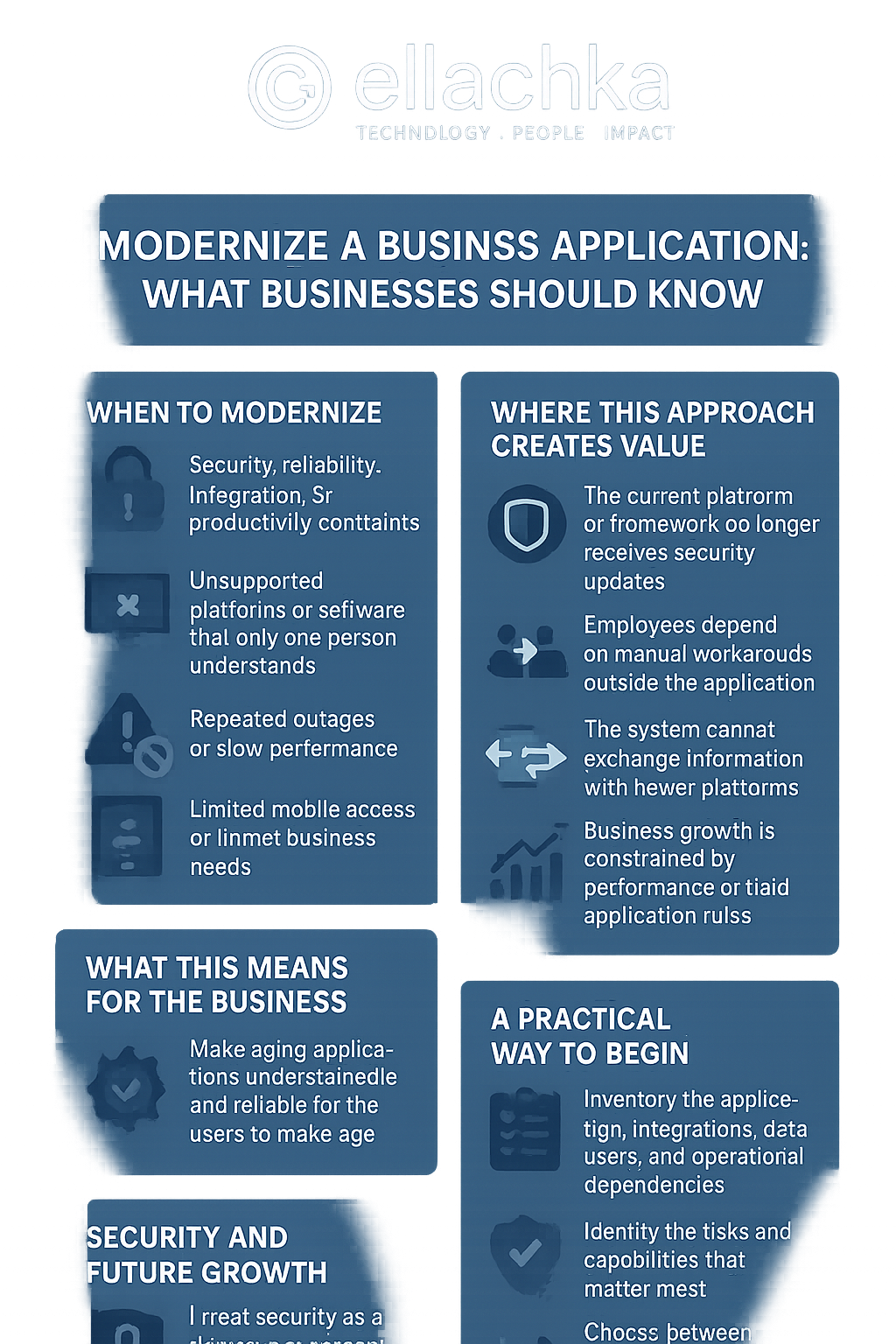
Modernize A Business Application: What Businesses Should Know
Application modernization becomes urgent when old technology creates security, reliability, integration, or productivity constraints. For example, unsupported platforms or software that only one person understands are major red flags. Because these issues compound over time, they increase cost and reduce agility.
Older applications can still do useful work. However, they often get harder and more expensive to support. Warning signs include repeated outages, slow performance, limited mobile access, or business changes the app no longer supports.
What this means for the business
Modernization rarely means throwing everything away. Instead, I often improve the interface, replace a fragile component, expose an API, strengthen authentication, or migrate parts gradually. The aim is clear: make the app understandable and reliable for the people who depend on it.
The goal is not technology for its own sake. Rather, I target measurable reductions in friction, clearer responsibilities, and information the business can trust. Therefore I prioritize changes that deliver visible, testable improvements.
Where this approach creates value
- The current platform or framework no longer receives security updates
- Employees depend on manual workarounds outside the application
- The system cannot exchange information with newer platforms
- Business growth is constrained by performance or rigid application rules
A practical way to begin
- Inventory the application, integrations, data, users, and operational dependencies
- Identify the risks and capabilities that matter most
- Choose between incremental modernization, partial replacement, or rebuilding
- Create migration, testing, rollback, and user-transition plans
Start with a focused release to make cost, timing, and outcomes easier to control. Next, once the first workflow works reliably, add modules and integrations based on evidence rather than assumptions. This reduces user disruption and reveals real priorities.
Security and future growth
I treat security as a design requirement. A private business application can use SSL/TLS, role-based permissions, OAuth or OpenID Connect, multi-factor authentication, audit history, protected secrets, and planned backups. In addition, sensible hosting choices keep costs low at first, and allow migration to higher-capacity platforms when traffic or availability needs grow.
Build around the business
I design and modernize applications around actual workflows. I connect outside systems or consolidate disconnected tools into one coordinated platform when it makes sense. Visit Ellachka to learn more, or explore custom business application services and discuss your project.